How to write a welcome email sequence that people actually read
A good welcome sequence turns new subscribers into customers. Here's a simple 4-email structure, what to write in each one and how to measure it.
By LEBX Team
Published
On this page
The moment someone joins your list is the moment they care about you most. They just signed up, so they're curious, and your next email is likely to be opened. Yet many businesses send nothing, or a single “Thanks for subscribing!” and then go quiet until the next sale. A short welcome email sequence fixes that, and once it's built it works on its own.
What is a welcome email sequence?
A welcome sequence is a short series of automated emails sent to new subscribers or customers after they sign up. It introduces your business, delivers whatever you promised, builds trust and points the reader toward a useful next step.
How many emails should it have?
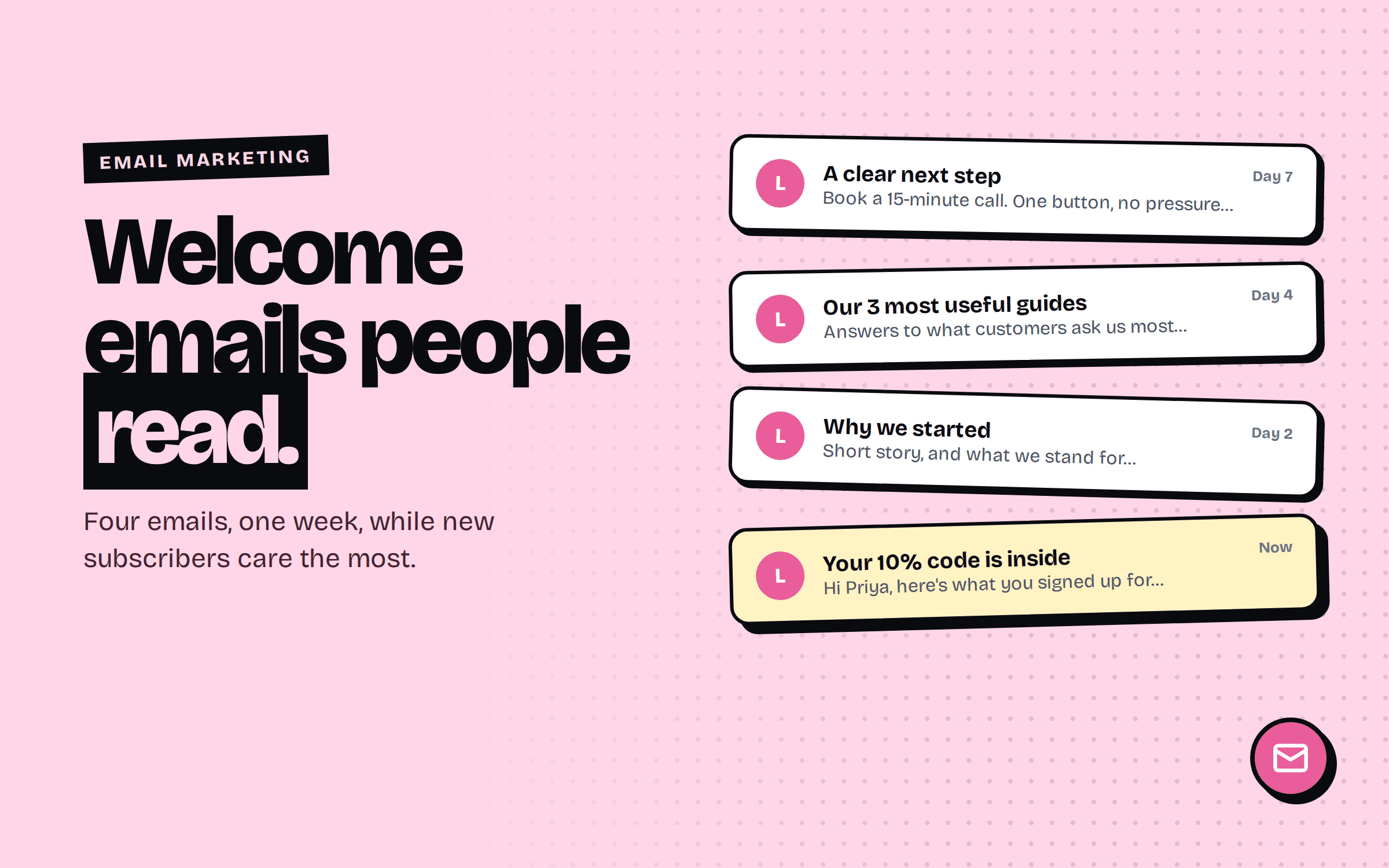
Three to five is a good range for most businesses. Fewer than that and you can't build much trust; more than that and you risk exhausting someone who hardly knows you. The structure below uses four, spaced over about a week. Treat the timing as a starting point and adjust it based on your results.
The 4-email structure
- 01
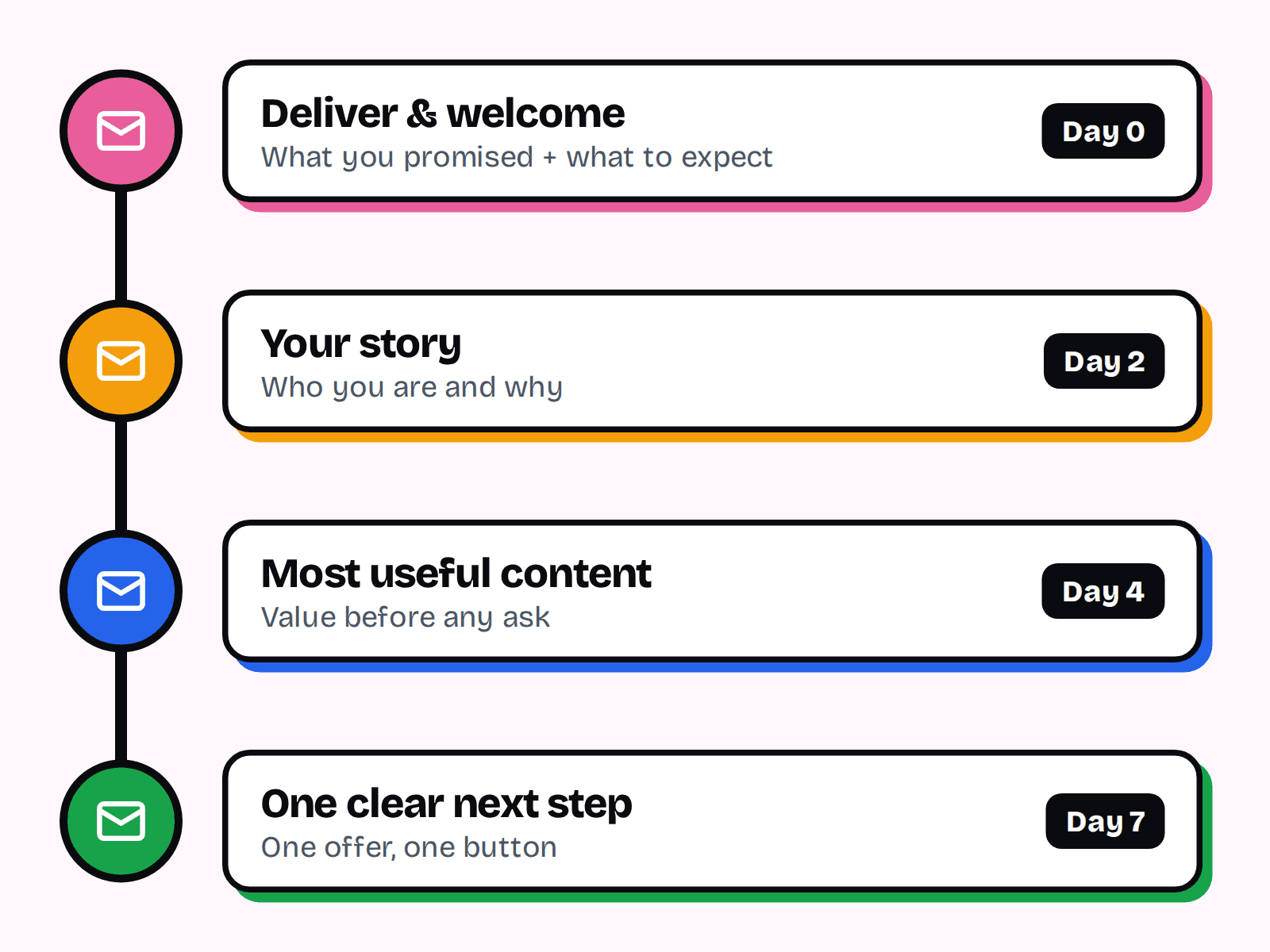
Email 1: Deliver and welcome (immediately)
Send what you promised: the discount code, guide, receipt or access link. Say hello, tell them what to expect and how often you'll write, and ask them to reply if they have a question.
- 02
Email 2: Your story and what you stand for (day 2)
Share who you are, why you started and what makes your approach different. Keep it personal and short. People buy from people they feel they know.
- 03
Email 3: Your most useful content (day 4)
Give value before asking for anything. Link to your best guide, a quick how-to or the answers to the questions customers ask most.
- 04
Email 4: A clear next step (day 7)
Now invite them to act: book a call, see the range, start a trial. Make one offer, with one button, and explain what happens after they click.
Writing subject lines and previews
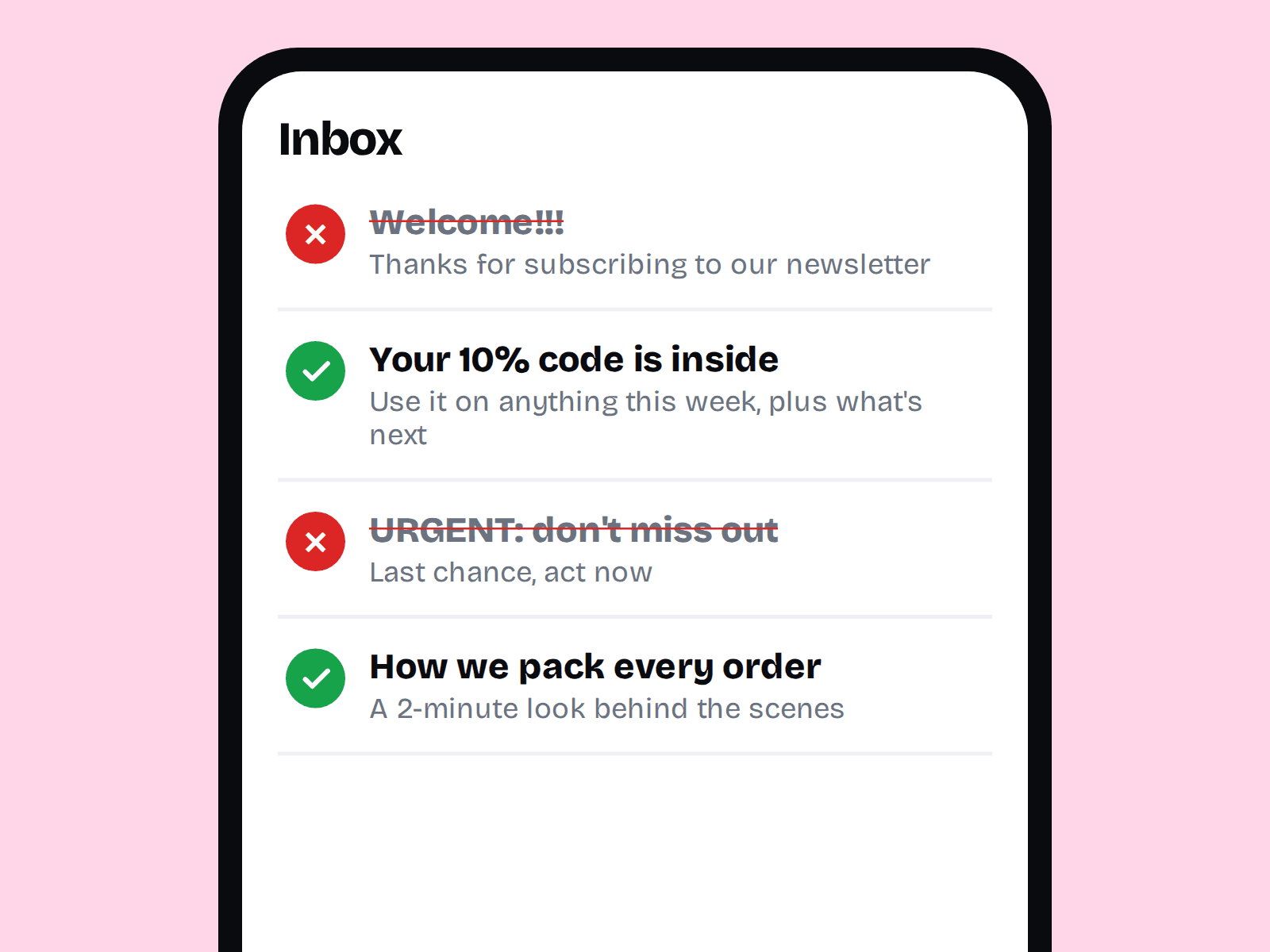
- Say what's inside. “Your 10% code is inside” beats “Welcome!”.
- Keep it short enough to read on a phone.
- Use the preview text to add detail, not to repeat the subject.
- Avoid shouting, excessive punctuation and misleading urgency. These hurt trust and can trigger spam filters.
Writing the email itself
- Write like a person. Use “I” or “we”, short paragraphs and plain words.
- One goal per email. One main message and one main button.
- Send from a real name and address that accepts replies. Replies help engagement and show real people are behind the brand.
- Keep design simple. A mostly-text email often feels more personal and renders reliably everywhere.
Make sure the emails reach the inbox
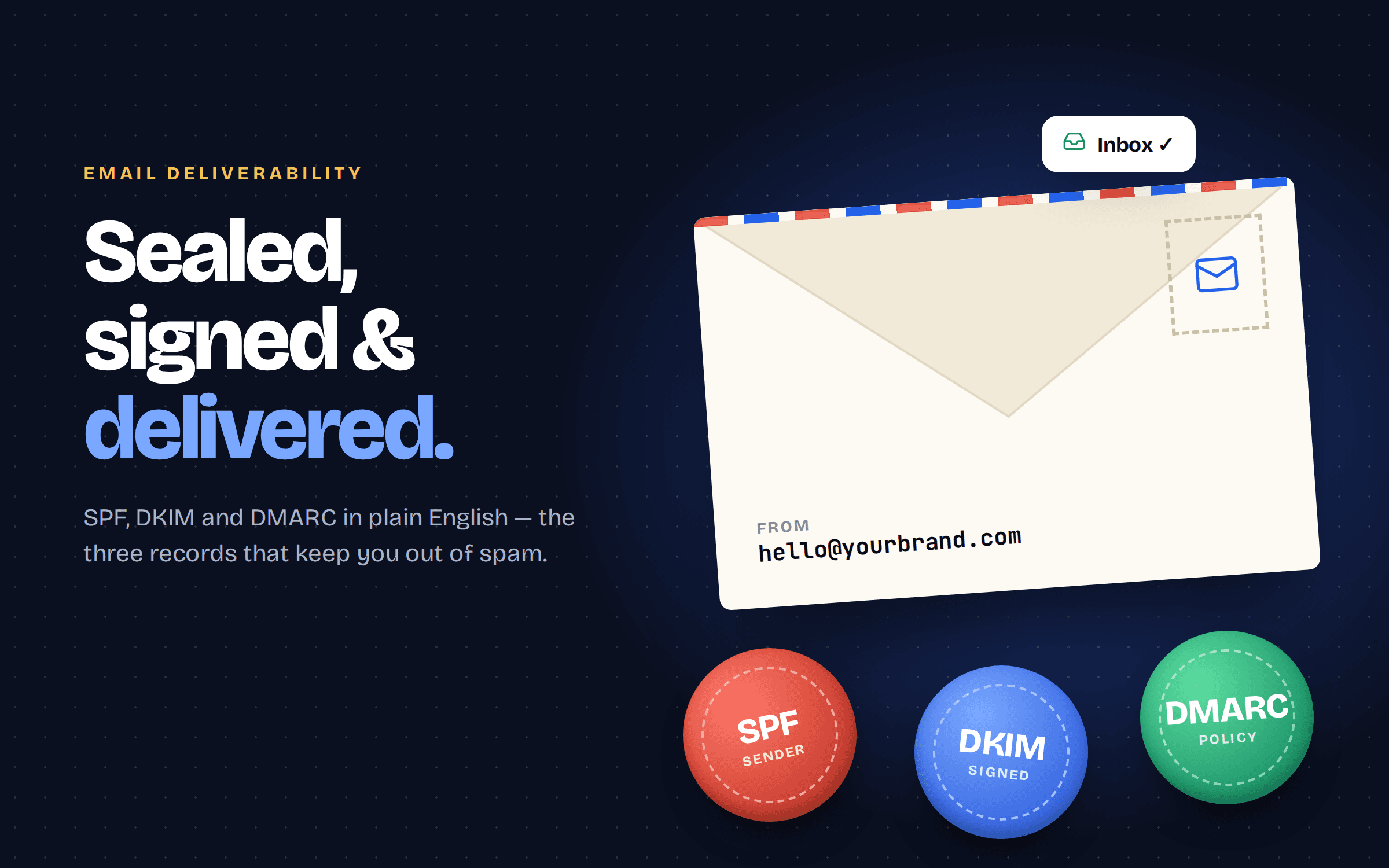
A great sequence is useless if it lands in spam. Before you launch, set up the authentication basics on your sending domain: SPF, DKIM and DMARC. Our guide to email deliverability walks through each step. Also include a working unsubscribe link and only email people who actually signed up.
Personalize without being creepy
Use the first name if you have it, and tailor the sequence to how someone joined. A person who downloaded a pricing guide needs a different sequence from someone who made their first purchase. Even two or three variants based on the signup source beat one generic version.
How to measure success
- Open and click rates: useful for comparing emails within your own sequence. Remember that privacy features on some email apps can inflate open numbers, so lean on clicks and replies.
- Conversions: how many subscribers take the action in email 4 or buy within a few weeks.
- Unsubscribes and spam complaints: a rise tells you the content or frequency is off.
- Replies: a small but useful signal that the tone feels human.
Change one thing at a time, such as the subject line of email 1 or the button text in email 4, and give each test enough sends to mean something.
Common mistakes
- Starting with a hard sales pitch.
- Sending the first email hours or days late.
- Using a no-reply address.
- Never reviewing the sequence after launch.
- Importing old contacts who never agreed to hear from you.
Setting it up
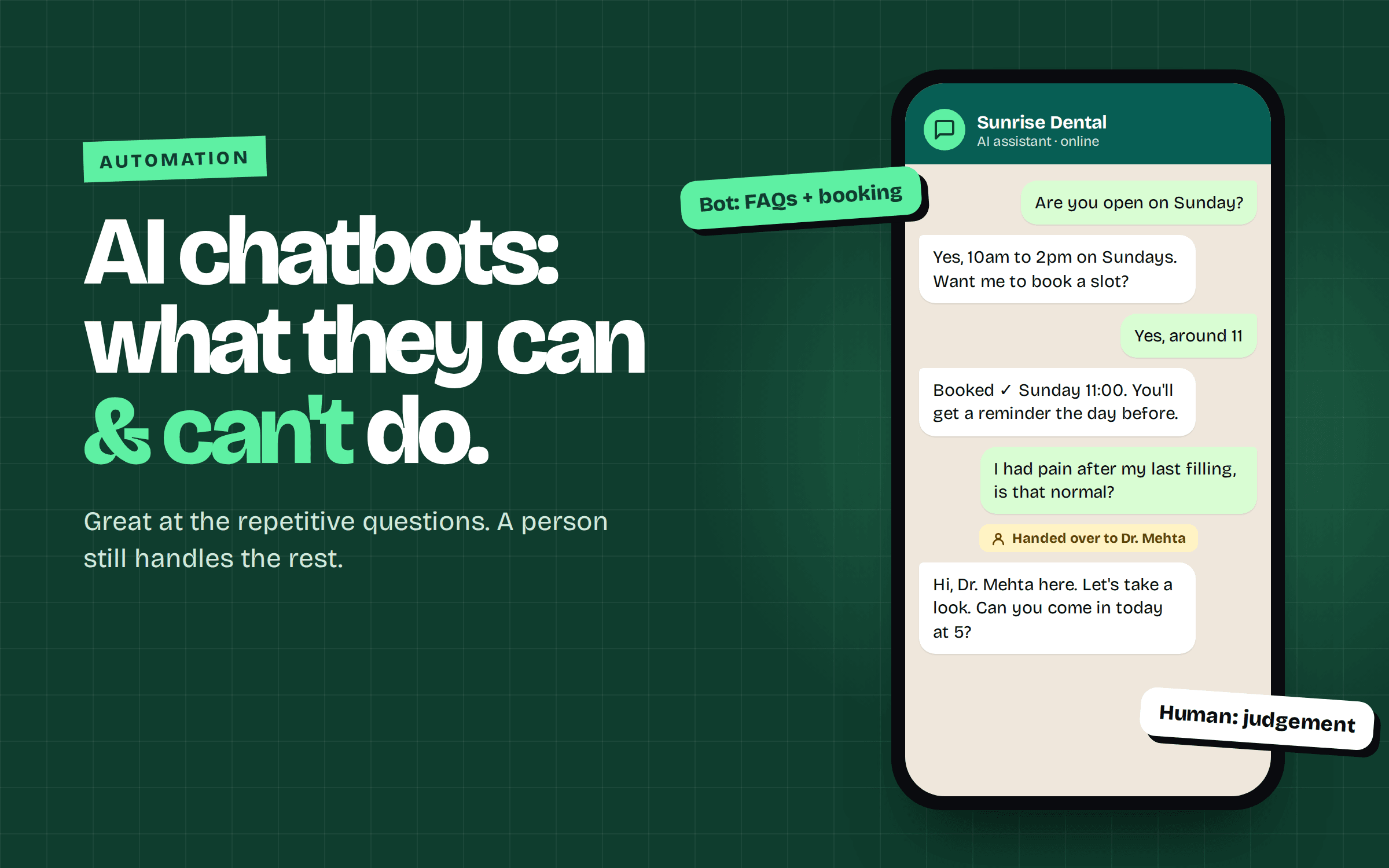
Any email platform with automation can run this. LEBX Mail lets you build triggered sequences and see delivery events like opens, clicks and bounces in one place. If you'd like the sequence connected to your website forms and CRM, our automation service can set it up. A good first draft, sent consistently, beats a perfect sequence that never launches.
FAQ
Short enough to read in under a minute. Aim for a few short paragraphs with a single clear action.
Immediately. Subscribers are most engaged right after signing up, so automate the first email to send within minutes.
Three to five works for most businesses. Spread them over roughly a week, then move readers into your regular newsletter.
It can work for e-commerce, but it isn't required. For service businesses, useful content and a clear next step often matter more.
Welcome emails usually do better than regular campaigns, but benchmarks vary by industry and tracking limits. Compare against your own newsletter and track clicks and conversions too.
- #email marketing
- #welcome emails
- #email automation