What to automate first in your business: 6 workflows worth building
Not every task deserves automation. These six small-business workflows save the most time with the least risk, plus a simple way to rank your own.
By LEBX Team
Published
On this page
Most owners who want to “automate things” stall at the same spot: there are too many options and no clear first step. Meanwhile the team keeps retyping the same details, chasing the same follow-ups and answering the same questions. The trick is to start small. Pick one workflow that's repetitive, rule-based and easy to check, automate it well, and build from there.
How to decide what to automate
A task is a good candidate for automation when it is:
- Repeated often: daily or weekly, not once a year.
- Rule-based: you can write down the steps without needing judgment each time.
- Costly when missed: late follow-ups, forgotten invoices or double-entered data hurt revenue.
- Low-risk to get wrong: a mistake is easy to spot and fix.
Tasks that need empathy, negotiation or creative thinking are usually better left to people, perhaps with software handling the preparation.
A quick scoring method
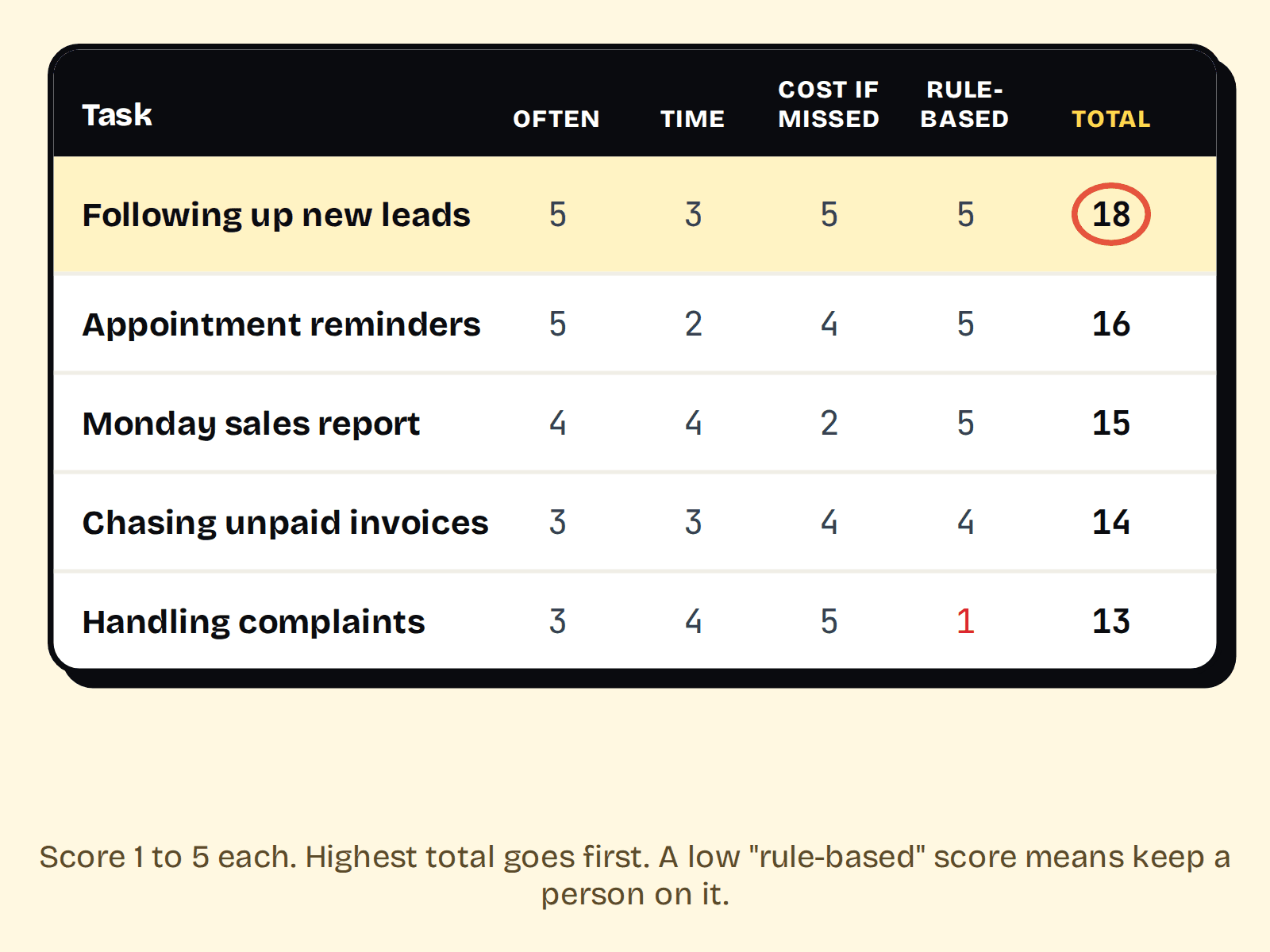
List ten tasks that annoy your team. For each one, give a score from 1 to 5 for frequency, time per run and cost of mistakes, then 1 to 5 for how easy it is to describe as rules. Add them up. The highest scores are your starting point. It takes ten minutes and prevents you from automating the interesting task instead of the valuable one.
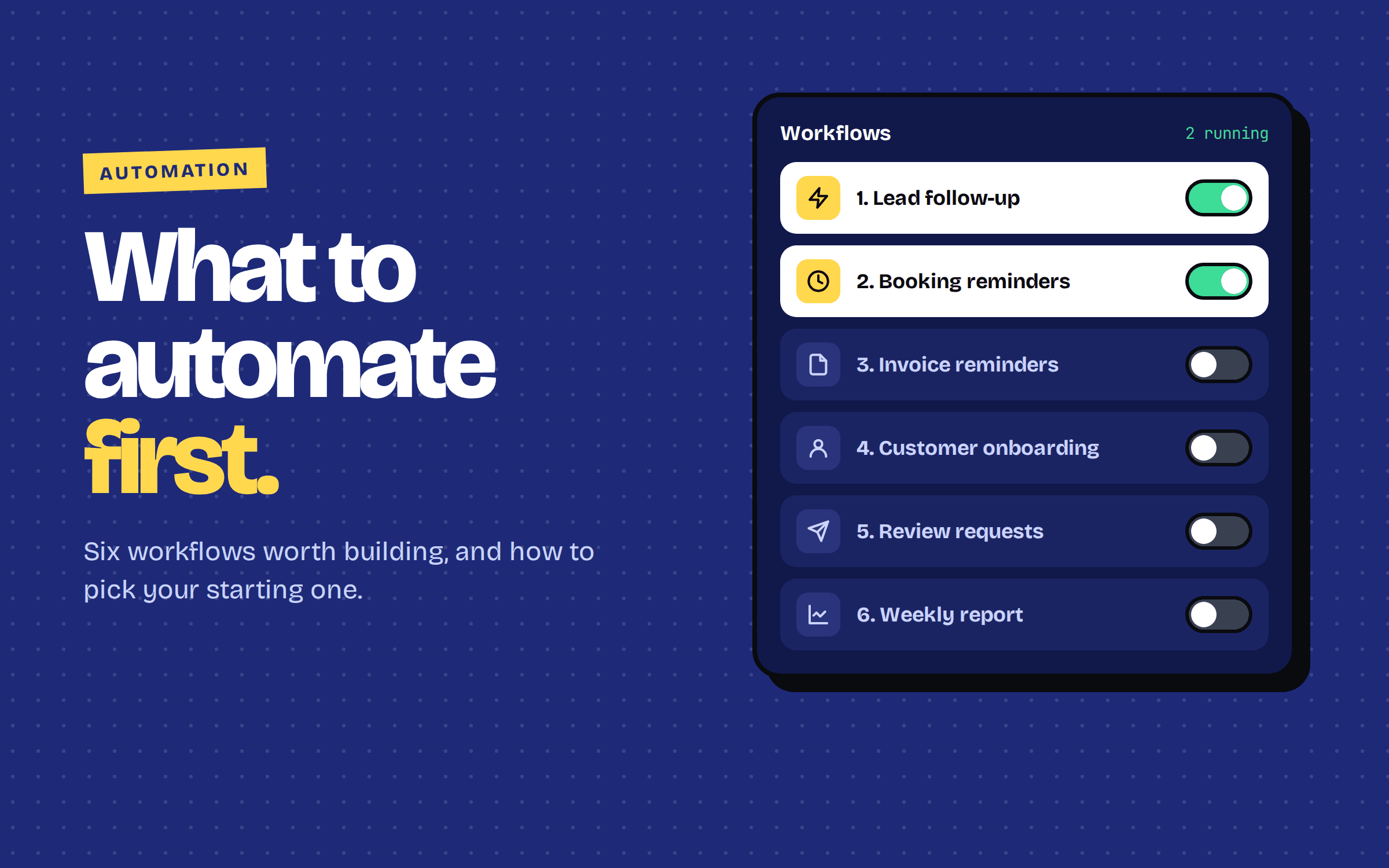
Six workflows worth building first
- 01
1. Lead capture and instant follow-up
When a website form or ad lead comes in, create the contact in your CRM, notify the right person and send an immediate acknowledgement. Speed matters here. See the full walkthrough in our guide to automating lead follow-up.
- 02
2. Appointment confirmations and reminders
Send a confirmation when a booking is made and a reminder before it. This is one of the simplest ways to reduce no-shows.
- 03
3. Invoice and payment reminders
Generate invoices from won deals and send polite, scheduled reminders for unpaid ones, so chasing money stops depending on someone's memory.
- 04
4. Customer onboarding
After a sale, send the welcome message, collect required details and create tasks for your delivery team automatically.
- 05
5. Review requests
A few days after a job is completed, send a short message with your review link. It's a steady way to build social proof.
- 06
6. Weekly reporting
Pull the numbers you check every Monday, such as leads, sales and open tasks, into one summary instead of copying them between tools by hand.
What you need to make it work
- A single source of truth. Decide where customer data lives. If it's scattered across chats and spreadsheets, fix that first; our post on CRM vs spreadsheets can help.
- Connected tools. Automations move data between systems using APIs and webhooks. If those words are new, read webhooks explained for business owners.
- A clear owner. Someone should be responsible for checking that the workflow works and for fixing it when something changes.
Build it in four steps
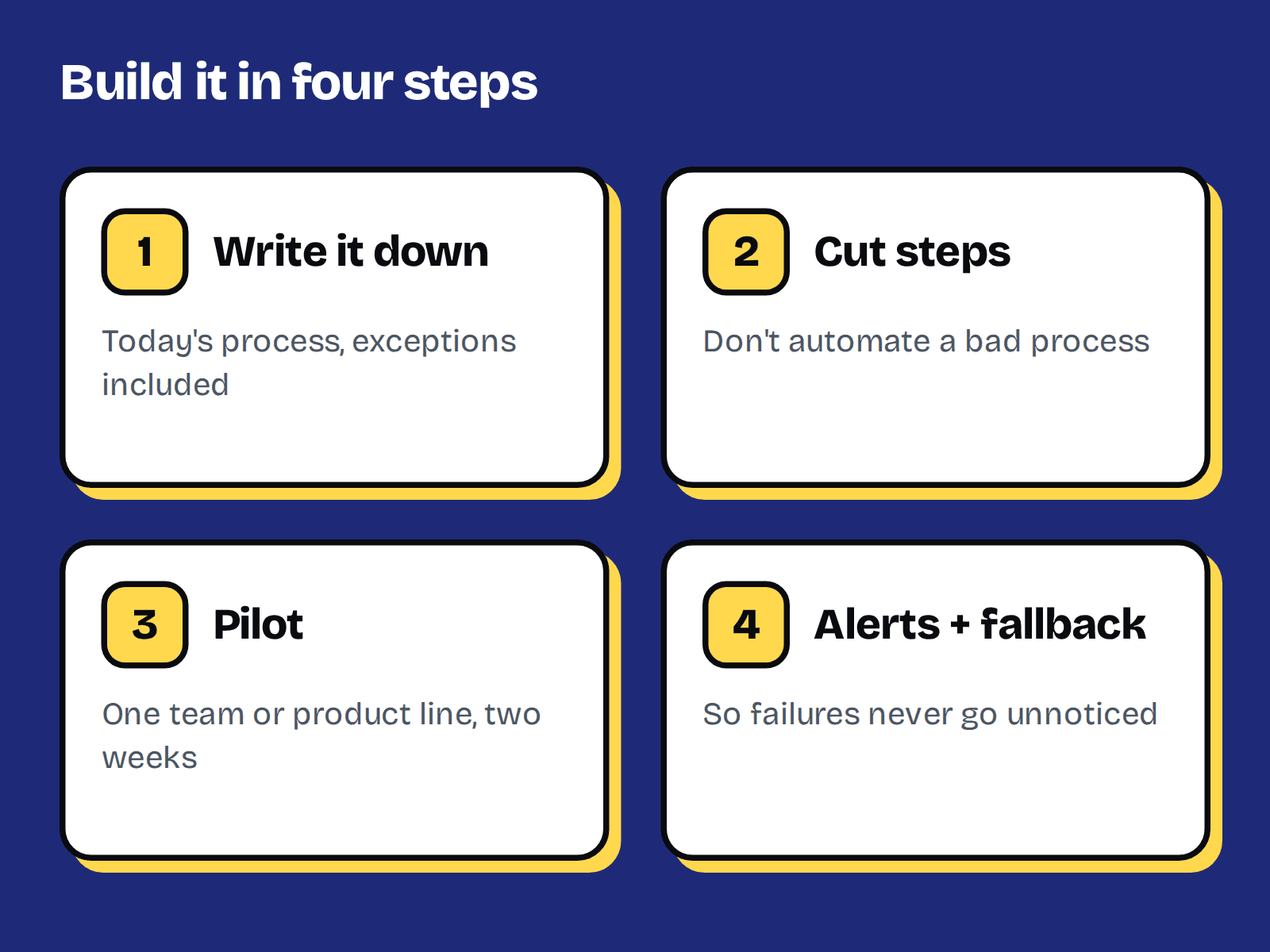
- Write the manual process down exactly as it happens today, including exceptions.
- Remove unnecessary steps before automating. Automating a bad process just makes mistakes faster.
- Start with a pilot, such as one product line or one team, and watch the results for a couple of weeks.
- Add alerts and a manual fallback so a failure doesn't go unnoticed.
Mistakes to avoid
- Automating everything at once.
- Removing the human touch from sensitive conversations like complaints.
- Skipping consent when messaging customers.
- Building something complicated that only one person understands and nobody documents.
- Not measuring. Note how long the task took before, so you can see what you saved.
FAQ
Start with repetitive, rule-based tasks that cost you when missed, such as lead follow-up, appointment reminders and invoice reminders.
Not for simple workflows. Many tools offer visual builders. You need a developer for custom integrations, complex logic or high reliability.
Usually it removes repetitive work so people can spend time on conversations, decisions and relationships. Keep humans involved wherever judgment or empathy matters.
Measure the task before and after: time spent, errors, response speed and results. Add alerts so failures are noticed quickly.
It depends on the tools and complexity. Simple workflows may only need a subscription to existing software, while custom integrations take development time. Scope a single workflow first to get a realistic number.
- #business automation
- #workflow automation
- #small business