WhatsApp Business app vs WhatsApp Business API: which one does your business need?
The free WhatsApp Business app and the WhatsApp Business API solve different problems. Here's how to tell which one fits your team.
By LEBX Team
Published
On this page
Lots of businesses start on WhatsApp the same way: one phone, one number, a handful of customers. Then the volume grows, a second person needs to reply, and someone asks, “Should we move to the API?” This guide explains what each option actually is, what changes when you switch and how to decide without overpaying for tools you don't need yet.
What is the WhatsApp Business app?
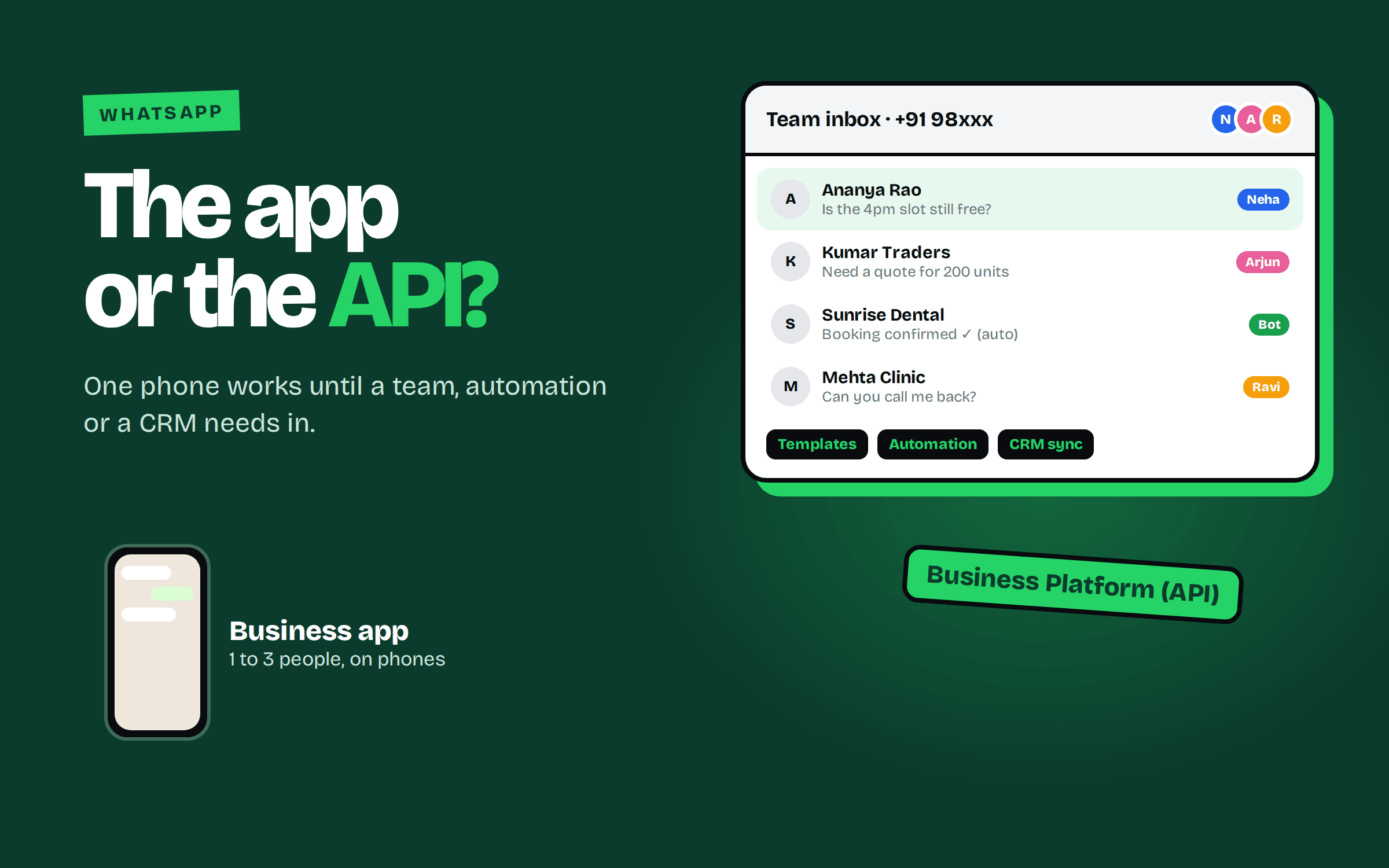
The WhatsApp Business app is a free app for small businesses, built on the same foundation as regular WhatsApp. You get a business profile, a catalogue, labels to organize chats, quick replies, greeting and away messages, and simple broadcast lists. It is designed for hands-on, one-to-one conversations on a phone.
What is the WhatsApp Business API?
The WhatsApp Business API, now called the WhatsApp Business Platform, is Meta's interface for connecting WhatsApp to software. It has no app screen of its own. You use it through a provider or your own system, which gives you things the app can't do: multiple agents on one number, automation, chatbots, templates sent at scale and integrations with your CRM, website forms or helpdesk.
The main differences
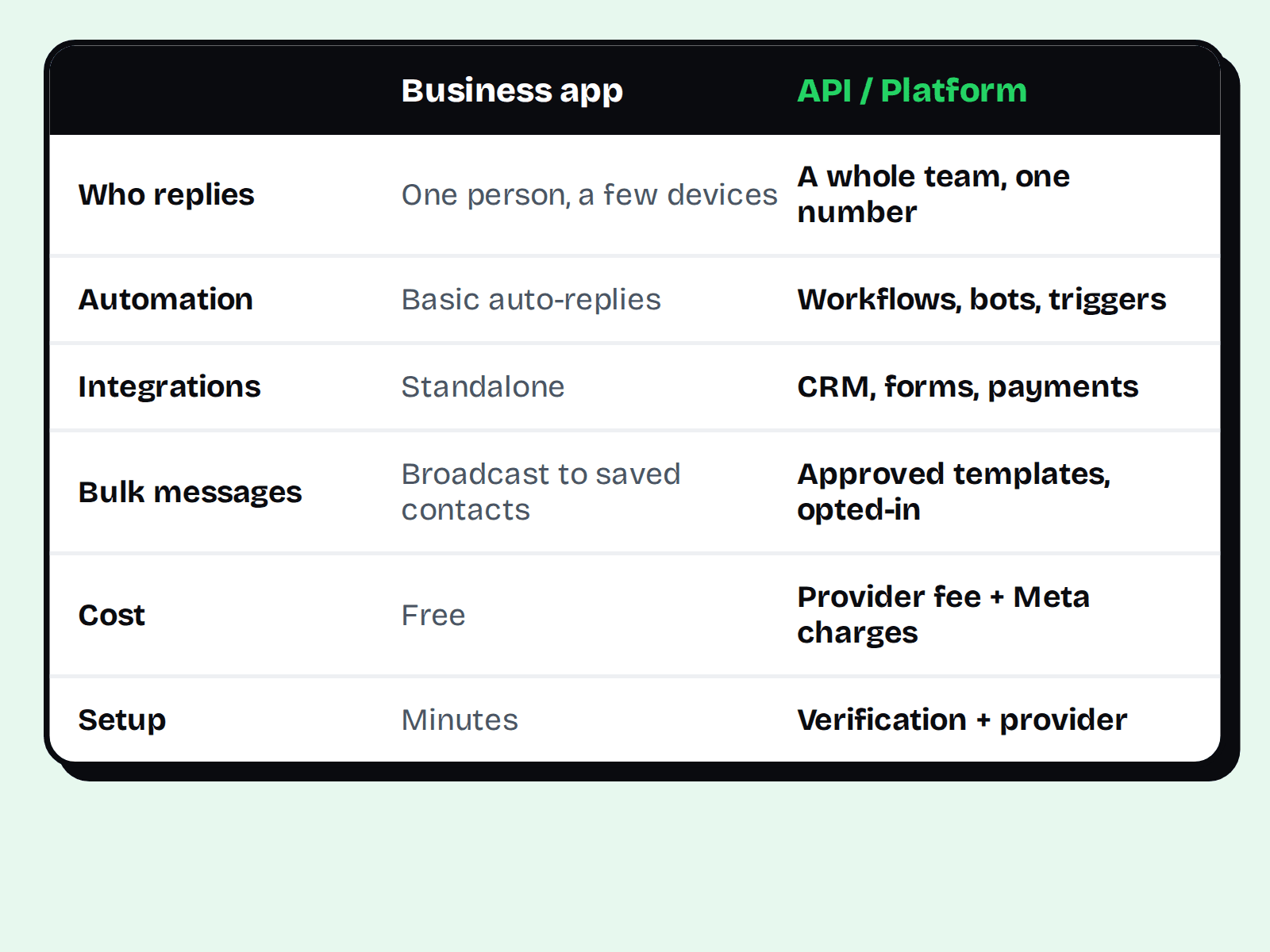
- Who replies: the app suits one person (with limits on linked devices). The API lets a whole team share an inbox.
- Automation: the app has basic auto-replies. The API supports workflows, bots and triggered messages, such as confirming a booking the moment it's made.
- Integrations: the app is standalone. The API connects to your CRM, forms, payment tools and databases.
- Bulk messaging: the app's broadcast lists only reach people who saved your number. The API uses approved message templates to start conversations at scale with customers who opted in.
- Cost: the app is free. The API usually involves a provider's platform fee plus Meta's per-message charges, and pricing rules have changed over time, so check Meta's current pricing page before budgeting.
- Setup effort: the app takes minutes. The API needs business verification, a provider and some configuration.
The rules that apply to both
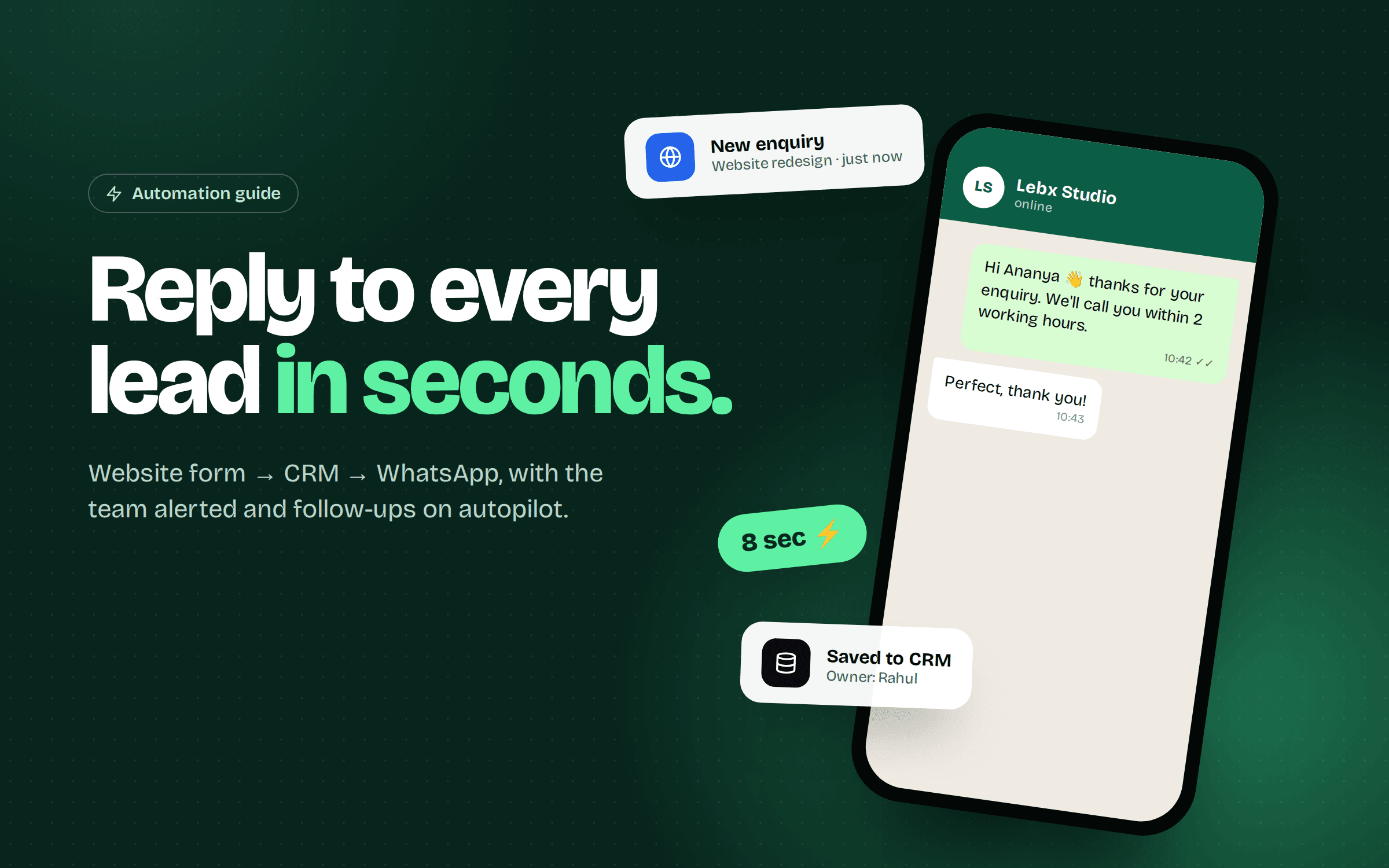
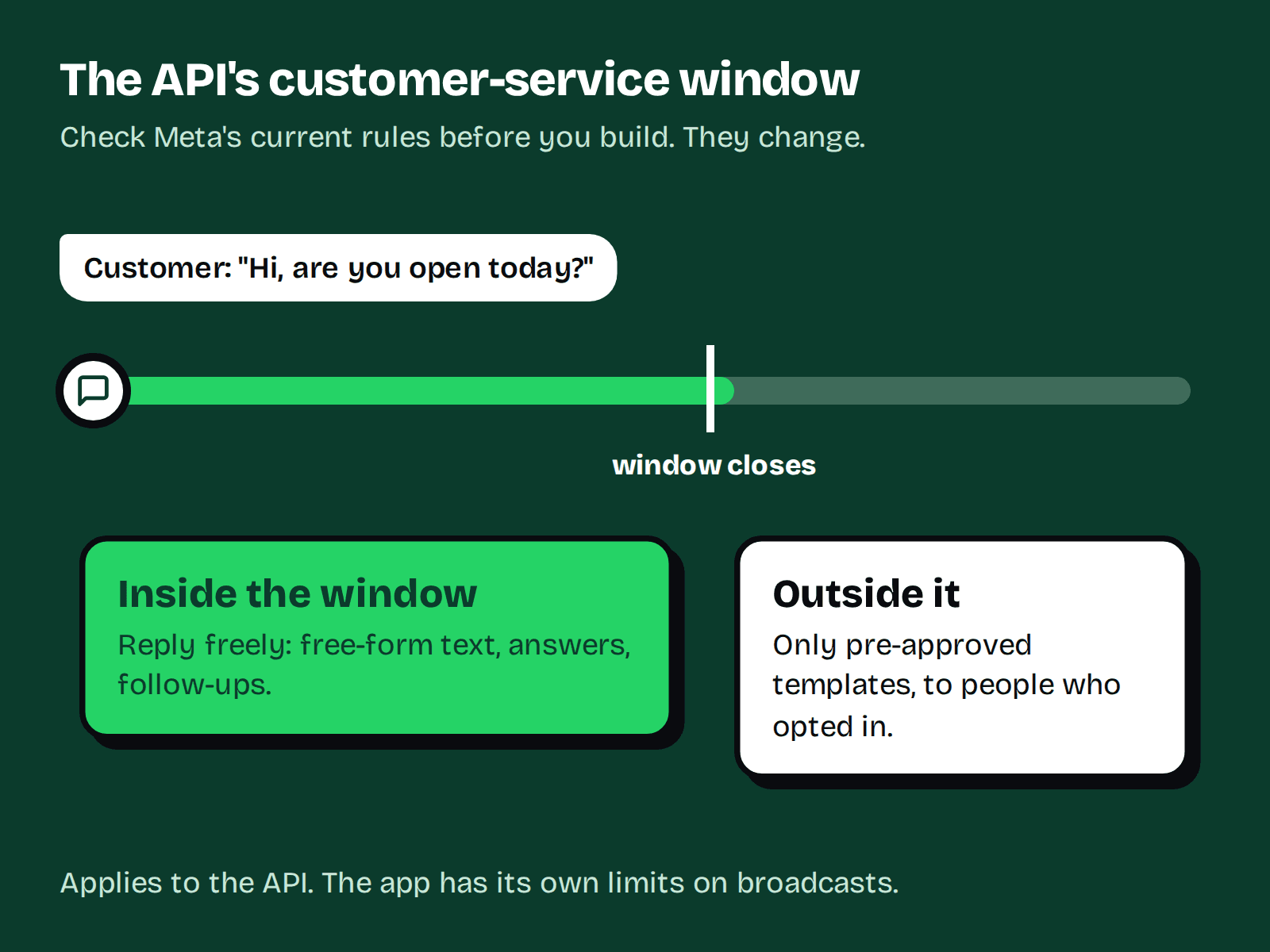
Whichever route you choose, WhatsApp expects you to message people who have agreed to hear from you. On the API there's an extra rule worth understanding: when a customer messages you, you can reply freely for a limited window, and outside that window you need a pre-approved template. We explain this in detail in our guide to automating lead follow-up with WhatsApp.
Which one should you choose?
Stay on the app if...
- One to three people handle all chats.
- You get a modest number of enquiries and personal replies are your edge.
- You don't need to connect WhatsApp to other systems.
- You'd rather not pay platform or message fees yet.
Move to the API if...
- Several agents need to answer from the same number, with assignment and history.
- You lose leads because replies are slow, especially after hours.
- You want automatic confirmations, reminders or follow-ups.
- You need chats recorded in a CRM so sales can see the whole conversation.
- You send planned campaigns or notifications to opted-in customers.
What changes when you switch
- Number handling. Check the current rules for moving your existing number to the API and whether you can keep using the app alongside it. Meta has changed these options over time, so confirm with your provider before you start.
- Chat history. Plan how you'll keep or export important conversations.
- Templates. Draft and submit the messages you'll send first, such as booking confirmations, and expect approval to take some time.
- Team habits. Agents will work in a shared inbox, not on their phones. Agree who owns what.
Common mistakes
- Switching to the API for the label alone when the app would do.
- Automating everything and removing the human touch customers like about WhatsApp.
- Sending promotional messages to people who never opted in. This risks quality ratings and blocks.
- Picking a provider without asking about message pricing, support and data export.
Where LEBX fits
Omni is LEBX's shared inbox and automation product for customer conversations, built for teams that have outgrown a single phone. If you'd like WhatsApp connected to your forms, CRM or booking system, our automation service can design and build it. Not sure which route to take? Talk to us and we'll look at your volume and workflow first.
FAQ
Yes. The WhatsApp Business app is free to download and use. The API is different: providers typically charge platform fees and Meta charges for some message types.
Meta has changed the options for this over time. Ask your provider what is currently supported before moving a number.
Not always. Many providers offer ready-made inboxes and no-code workflows. You need a developer when you want custom integrations.
You can send to opted-in customers. The app limits broadcasts to contacts who saved your number, while the API uses approved templates for larger campaigns.
For most small businesses starting out, the Business app is enough. Upgrade when volume, team size or automation needs outgrow it.
- #whatsapp business api
- #customer communication